Download AeunI
Get the latest version of the AeunI application. Follow the steps below for your platform. We automatically pull the most recent GitHub Release so you always have the newest build.
- Please create an account or log in to start using AeunI and purchase a license.
- Download the installer using the button above.
- When installing you might get a windows warning please press "More info" and then "Run anyway".
- After installing, you can start using AeunI.
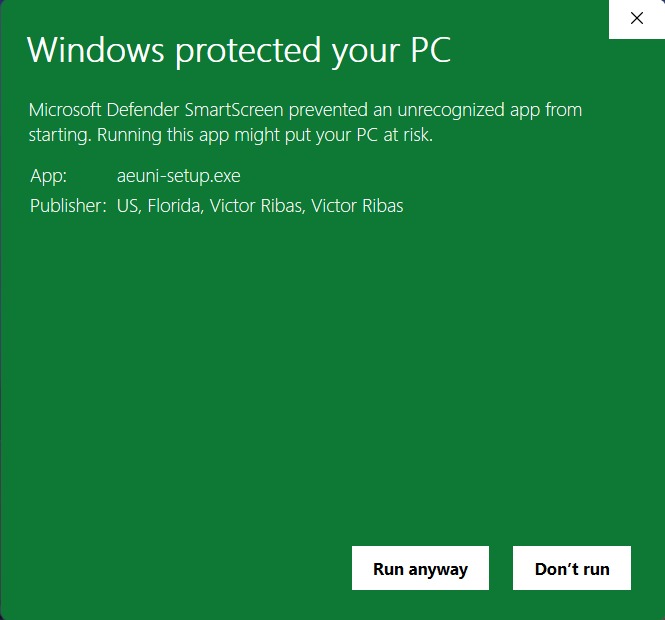
⚠️ this step may or may not happen since the app is a new independent Application, WE ARE NOT TRYING TO STEAL YOUR DATA ⚠️
Need Help?
If you run into issues installing AeunI, reach out via the Contact page.